Batch Rename Images for SEO: Clean Filename Workflow
Batch rename images for SEO with honest product terms, clean descriptors, and consistent file names. Use filenames as a supporting signal, not a trick.
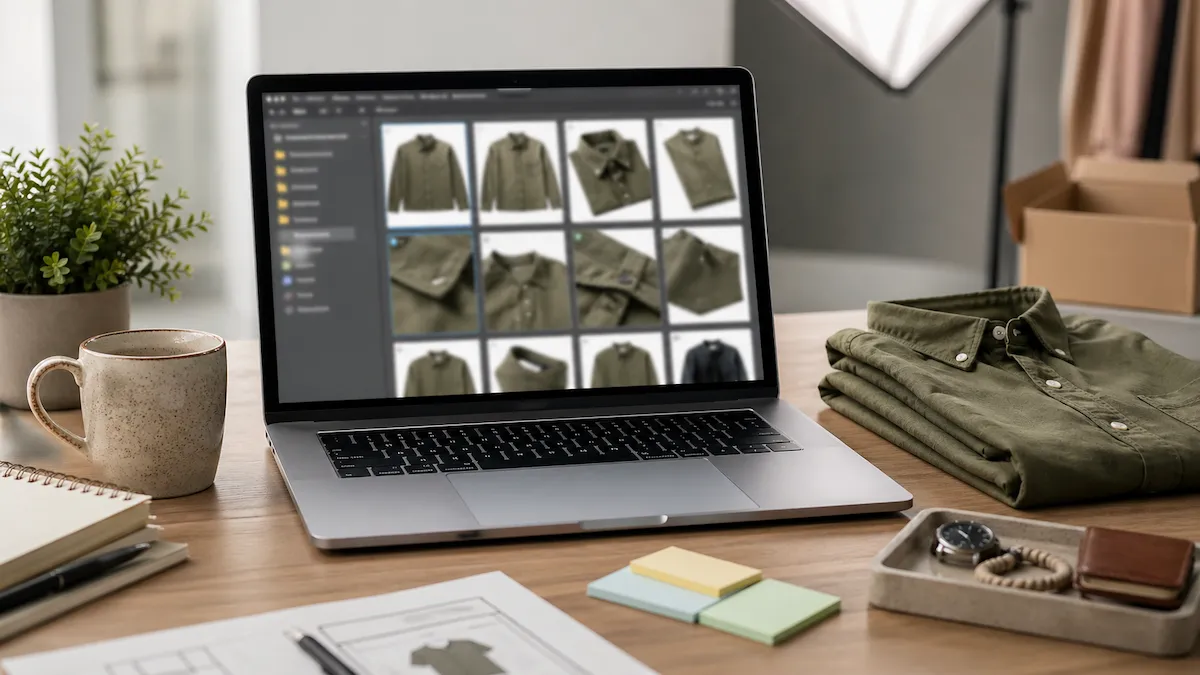
Image filenames are a small SEO signal, not a magic lever. They help most when the rest of the page already says the same thing: product title, alt text, caption, surrounding copy, and structured data. If you batch rename images with honest product terms, you make every file easier for search engines, store admins, and humans to understand.
Batch rename images for SEO without stuffing

Filenames support image SEO when they match the product, the page, and the alt text.
The best SEO filename is boring. It names the product, view, and order without trying to cram every keyword into one string.
Bad: best-handmade-ceramic-mug-etsy-seo-coffee-cup-gift-2026-front.jpg
Better: beige-ceramic-mug-front-001.jpg
The second filename is shorter, more truthful, and easier to reuse across a store. It gives Google useful context, but it also helps the seller find the same file three months later. That is the standard worth using: write filenames that help the workflow first and search second.
What image filenames can and cannot do
Filenames can reinforce page context. If the product page is about a beige
ceramic mug, a file named beige-ceramic-mug-front-001.jpg agrees with the
page. That alignment helps crawlers understand the asset.
Filenames cannot rescue thin content. A keyword-rich image name will not make a weak product page rank by itself. It also will not replace alt text. Alt text describes the visible image for accessibility and search. A filename is just one asset label.
The practical takeaway: use clean filenames as part of an image SEO system. Pair them with honest alt text, clear product titles, and a page that actually answers the searcher's intent. The AI alt text workflow covers that second piece.
The operational benefit matters too. A clean filename helps your team before Google ever sees it. Store owners can spot the right photo in the admin. Writers can pick the right screenshot for a tutorial. Photographers can send a folder that already matches the client brief. SEO is one payoff from better asset discipline, not the only reason to rename images.
Step-by-step workflow
Use this for product photos, marketplace listings, portfolio images, and any folder that will be uploaded to a website.
- Choose one naming pattern. A strong ecommerce pattern is
{sku}-{descriptor}-{seq:3}{ext}. A content pattern might be{val:topic}-{descriptor}-{seq:2}{ext}. - Keep descriptors visual. Use
front,back,detail,lifestyle,packaging, orscale. Do not turn descriptors into keyword lists. - Drop the folder into the workspace. Open the Renamerly workspace, add the image folder, and pick a starter template. The original files stay untouched.
- Preview the output. Scan the first few names. You are looking for clarity, stable sorting, and no duplicate outputs.
- Export renamed copies. Download the ZIP and upload the renamed set to your store, CMS, or image library.
- Write alt text separately. Use filenames for structure and alt text for description. If you sell on Etsy, the Etsy AI alt text playbook gives a marketplace-specific workflow.
Examples that hold up
Here are filename patterns that support SEO without sounding spammy.
- Shopify product photo:
linen-shirt-front-001.jpg - Etsy listing photo:
beige-ceramic-mug-detail-002.jpg - Photographer portfolio image:
smith-wedding-ceremony-014.jpg - Blog tutorial screenshot:
batch-rename-preview-01.png - Help center image:
format-builder-sequence-token.png
Each filename names what the file is. None of them tries to carry a whole SERP title.
The pattern should also match the surface. Product pages need product terms. Tutorials need the step or feature name. Portfolio images need the client, event, or collection. If the filename would confuse the person uploading the asset, it will not be clearer to a crawler. Use the plainest accurate words you can, then let the page copy do the heavier SEO work.
Pitfalls we have seen
- Keyword stuffing the filename. If the filename reads like a meta keywords tag from 2008, rewrite it.
- Duplicating the title everywhere. Product title, filename, and alt text should agree, not copy each other word for word.
- Changing filenames after indexing. Once an image URL is live and indexed, changing the filename can reset the asset path. Rename before the first upload when possible.
- Forgetting file extensions. Keep
{ext}in the format so every export preserves.jpg,.png,.webp, or the original type.
What this unlocks
Clean image filenames make folders easier to audit, stores easier to maintain, and image SEO a little less accidental. They are not the whole ranking system. They are the part you can fix before upload in one pass.
When your next image batch is ready, open the workspace, pick a naming format, and export a set of files that are clear enough for both humans and crawlers.
Keep reading